Name the viewer and payoff
Write down who the video is for and what they will learn or see. For example, 'first-time gardeners making room for herbs on a narrow balcony' is more actionable than 'gardening.'
YouTube writing
Aiwriter is an informational guide, not a generator. SupaTraffic does not generate YouTube titles. SupaTraffic requires sign-in, a site or project, a selected keyword and a paid article plan to write. No example or brief on this page is transferred.
A useful title tells viewers what the video delivers without promising more than it shows. Use the example in this guide to plan a title around your topic, audience and strongest detail, then compare any candidate wording with your finished video.
Illustrative brief · not submitted
Suggest five titles for a 7-minute beginner video on balcony herb gardening; focus on small spaces and avoid guaranteed results.
SupaTraffic does not generate YouTube titles. This page has no working writing form and does not transfer the example.

A youtube video title generator is most useful when the brief includes the video's real takeaway, not just its broad subject. These related writing tasks can help carry the same angle beyond the title.
A title can sound compelling and still be the wrong choice. Treat suggestions as drafts, especially when the video includes qualifications or results that are easy to overstate.
An AI writer works from the details you provide. It cannot know whether a promised demonstration, result, or comparison appears in the final edit.
WorkaroundWatch the finished video and remove claims the viewer will not see supported.
No wording alone guarantees clicks or watch time. Audience expectations, thumbnail, topic, and the opening of the video all affect performance.
WorkaroundChoose a truthful angle that also matches the thumbnail and first minute.
A vague prompt such as 'make a cooking title' often produces interchangeable ideas because it lacks the dish, method, and intended viewer.
WorkaroundAdd the concrete result, constraint, or question that makes this upload distinct.
The quality bar starts before the first suggestion. A short, factual brief gives the AI writer something more useful to work with than a topic alone.
Write down who the video is for and what they will learn or see. For example, 'first-time gardeners making room for herbs on a narrow balcony' is more actionable than 'gardening.'
Include a demonstrated method, a real constraint, or a question the video answers. Ask for several distinct angles rather than minor rewrites of one headline.
Read the candidates beside your thumbnail and opening. Keep the clearest truthful option, replace jargon, and shorten any phrase that buries the main subject.
A broad title names the subject. A more useful one identifies the viewer's reason to watch without inventing an outcome.
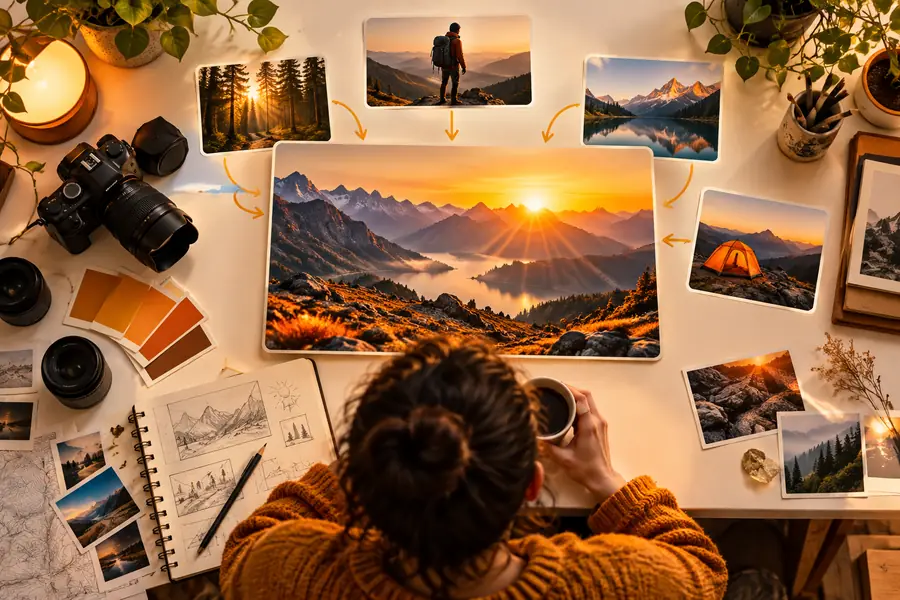
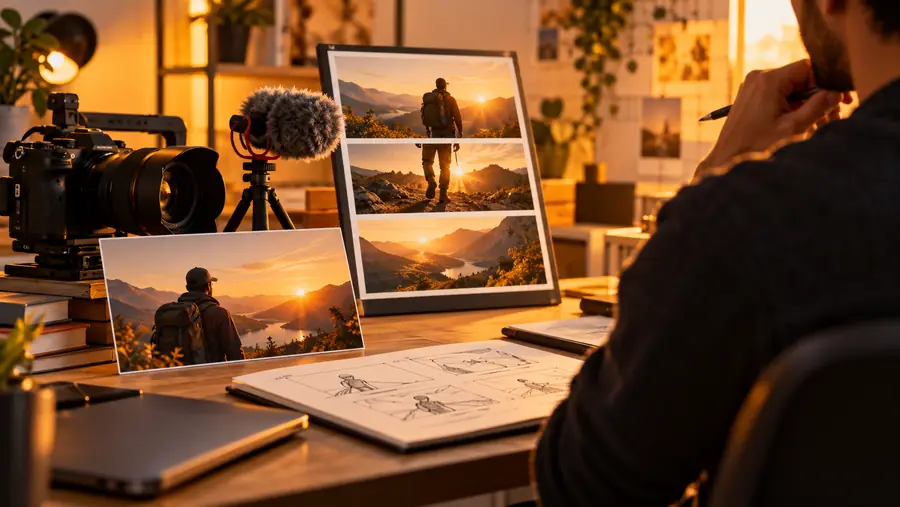
The images are illustrative, not screenshots of generated titles. Use the more specific wording only if the video actually covers herbs and a small-space setup.
The same video may support a tutorial, a companion post, or a short social excerpt. Keep the underlying claim consistent while changing the emphasis for each use.
A recorded walkthrough solves one clearly defined beginner problem.
Lead with the task viewers can complete, then check that the steps shown justify the title. For a short excerpt, the instagram caption generator offers a separate way to frame that takeaway.
instagram caption generatorA video accompanies a longer explanation on the same subject.
Make the title reflect what viewers see on screen, while an ai blog writer can help organize details that need more room than a video title allows.
ai blog writerAn upload introduces a topic that also needs a sourced written follow-up.
Use the title for the video's central question, not every subtopic. An ai article writer can help structure a separate draft that you then verify and edit.
ai article writerA finished video is embedded on a page that needs its own search summary.
Keep the upload title focused on the video; use a meta description generator for the page summary so the two pieces do not have to do the same job.
meta description generatorUse this comparison as an editing checklist. The right-hand column describes a standard to check yourself, not an automatic result from the AI writer.
Loose first draft
Names a broad category such as gardening
Checked title
Names the activity actually shown, such as growing balcony herbs
Loose first draft
Leaves the intended viewer unclear
Checked title
Signals a relevant constraint, such as limited space
Loose first draft
Uses an unsupported promise of a dramatic result
Checked title
Describes a method or answer the video genuinely provides
Loose first draft
Adds numbers or claims without checking the edit
Checked title
Includes details confirmed in the footage
Loose first draft
Packs in repeated keywords and filler
Checked title
Puts the meaningful subject near the beginning
Loose first draft
Suggests a different story from the image
Checked title
Reinforces the same topic without duplicating every word
Describe the finished video's audience, main takeaway, and one detail you can verify. Use the suggested wording as a starting point, then choose a title that remains accurate when someone presses play.
Give it the video's subject, intended viewer, and the most specific takeaway you can support. Mention any words or claims you want to avoid. A finished-video summary makes a stronger brief than a broad topic.
Check each option against the footage, thumbnail, and opening. Favor the clearest accurate description over a more dramatic claim you cannot support. Read it aloud to catch awkward phrasing.
Use the words a viewer would naturally use to identify the topic when they fit the video. Do not repeat a phrase simply to fit it in. Clarity matters more than a title that reads like a keyword list.
It can help you explore wording, but it cannot guarantee how viewers will respond. The subject, thumbnail, audience, and video itself matter too. Treat any suggested title as a candidate to evaluate, not a performance forecast.